
LLMs Components
We provide several components for LLMs (Large Language Models) that allow you to easily access and analyze financial data, real-time market data, and even enable AI to place orders.
Yes, you can use our LLM components through the Longbridge Developers. Start today!
LLMs Text
The OpenAPI documentation follows the LLMs Text standard, providing llms.txt and Markdown files for each document. Based on this LLMs Text, you can provide AI with a complete dictionary of Longbridge Developers documentation as a reference for AI-assisted development, enabling AI to generate more accurate code.
- https://open.longbridge.com/llms.txt - Approximately 2104 tokens.
Each of our documents is also available in Markdown format. When accessing them, simply add the .md suffix to the URL.
For example:
- https://open.longbridge.com/docs/getting-started.md
- https://open.longbridge.com/docs/quote/pull/static.md
Longbridge.com Markdown Access (AI-friendly)
In addition to OpenAPI docs, pages on https://longbridge.com are also AI-friendly for markdown retrieval.
You can get markdown content in either way:
- Add
.mdsuffix to page URL - Send request header:
Accept: text/markdown
Examples:
- https://longbridge.com/en/topics.md
curl -H "Accept: text/markdown" https://longbridge.com/quote/TSLA.US
This is useful for LLM crawlers, RAG indexing, and tool-based content ingestion while keeping page structure clean.
Demo
Using in Cursor
Open Cursor, open the command palette (Command + Shift + P), search for and select Add New Custom Docs and enter the Longbridge Developers LLMs Text address in the dialog box:
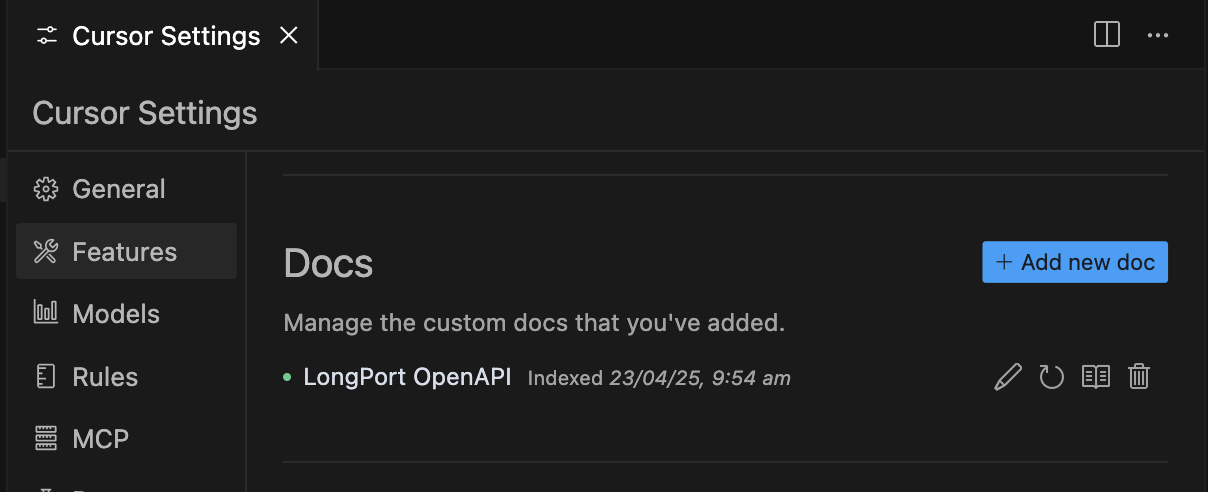
https://open.longbridge.com/llms.txtOnce added successfully, the Cursor Settings will look like this:
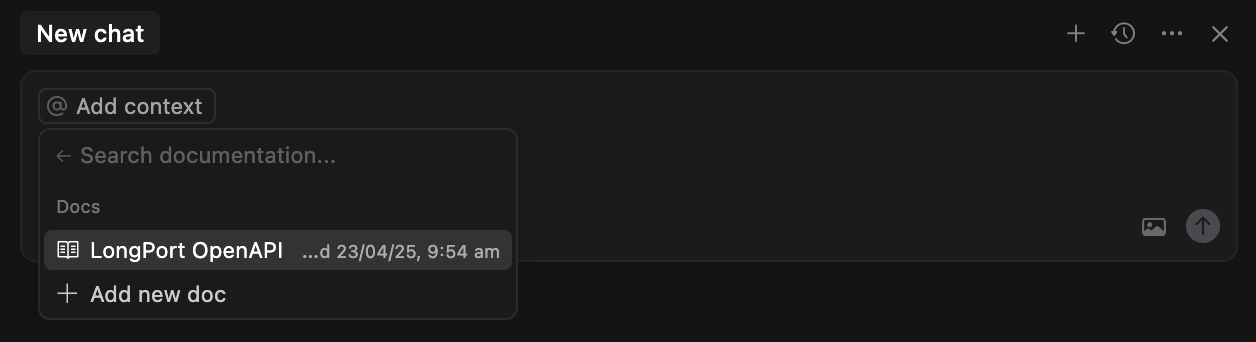
Next, in an AI conversation, you can select the Docs you just added under the docs menu of @Add Context. This allows the AI to use these documents as context in subsequent conversations.